
How Senior Citizens Can Master Smartphones in 30 Days
Introduction
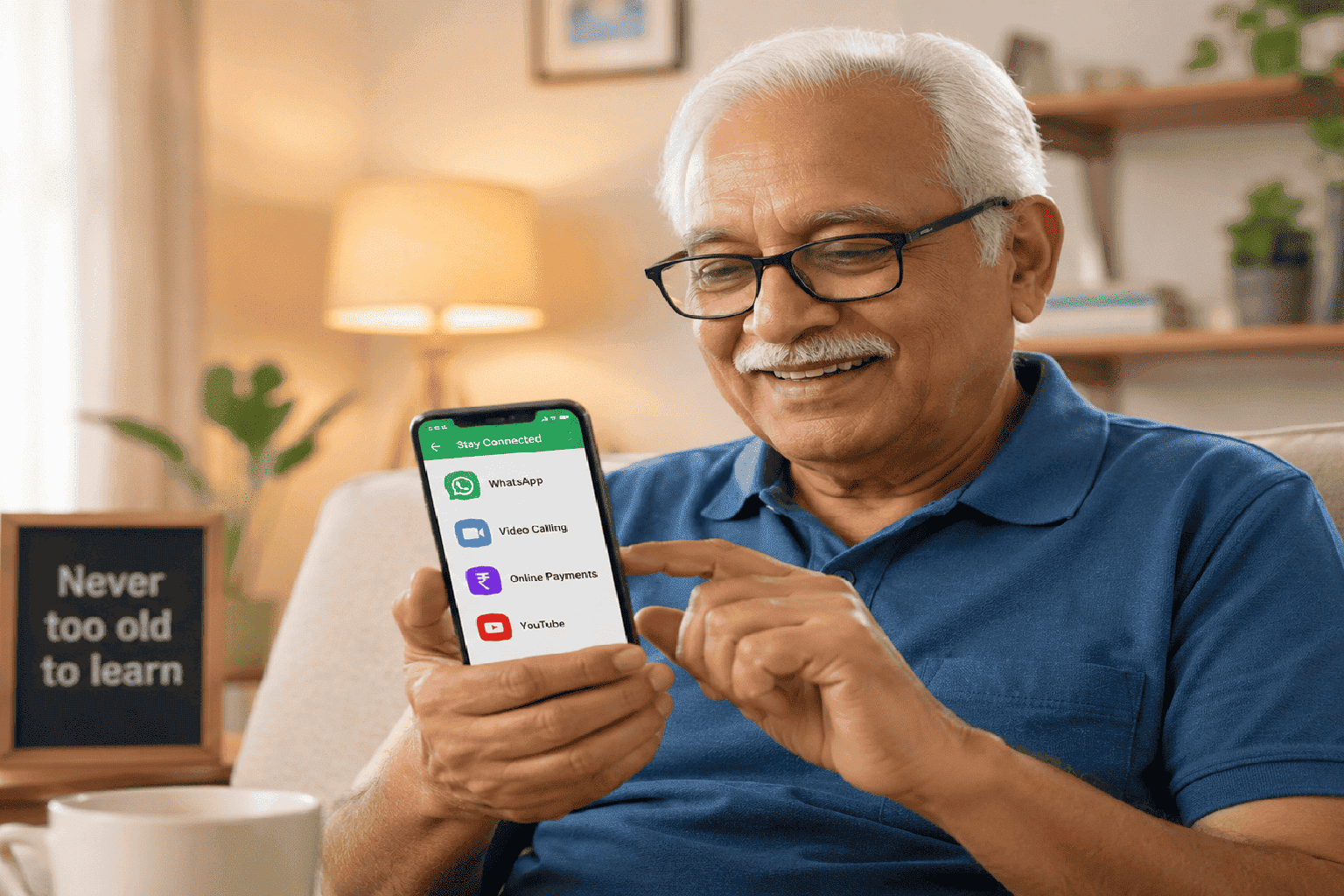
Smartphones have become an important part of daily life. From video calls and online payments to doctor appointments and entertainment, many everyday activities now happen digitally. For senior citizens, learning smartphone usage can help them stay connected, independent, and more confident in today’s world.
Many seniors feel that smartphones are difficult to use because of complicated apps, small buttons, or fear of making mistakes. However, with regular practice and simple step-by-step learning, anyone can become comfortable using a smartphone.
This 30-day learning approach focuses on practical daily skills that make smartphones useful, safe, and easy to understand.
Week 1: Learning the Basics
The first step is becoming comfortable handling the phone and understanding its basic functions. Seniors should practice using the device daily without pressure.
Focus On
- Turning the phone on and off
- Charging the phone properly
- Adjusting volume and brightness
- Making and receiving calls
- Saving contacts
Goal
Build confidence in using the smartphone regularly without fear.
Helpful Tip
Increase font size and icon size for easier visibility.
Week 2: WhatsApp and Communication
Once the basics are comfortable, the next step is learning communication apps like WhatsApp. This helps seniors stay connected with family and friends easily.
Learn
- Sending messages
- Voice notes
- Sharing photos
- Video calls
- Reading family messages
Why It Matters
Video calls and messaging help reduce loneliness and improve family connection.
Best Practice
Practice messaging one family member daily for confidence.
Week 3: Internet and Useful Apps
The third week focuses on using the internet and exploring useful applications that make daily life easier.
Learn
- Google Search
- YouTube videos
- Online news
- Weather updates
- Google Maps
Bonus Skill
Using voice search with Google Assistant for easier browsing.
Benefits
Seniors can independently search information, watch devotional videos, cooking tutorials, health tips, and entertainment content.
Week 4: Digital Payments and Online Safety
The final stage introduces digital payments and smartphone safety practices. This helps seniors use online services safely and confidently.
Learn
- UPI payments
- QR code scanning
- Online bill payments
- Identifying scam calls and messages
- Creating strong passwords
Important Safety Rule
Never share OTPs, banking passwords, or personal financial information with anyone.
Why It’s Important
Learning digital safety builds confidence and prevents fraud.