
How to Save 2 Hours Every Day Using WhatsApp Business Features
Introduction
Most business owners spend a large part of their day replying to customer messages, sharing prices, sending product photos, giving directions, and answering repetitive questions. While customer communication is important, handling everything manually can become time-consuming and exhausting.
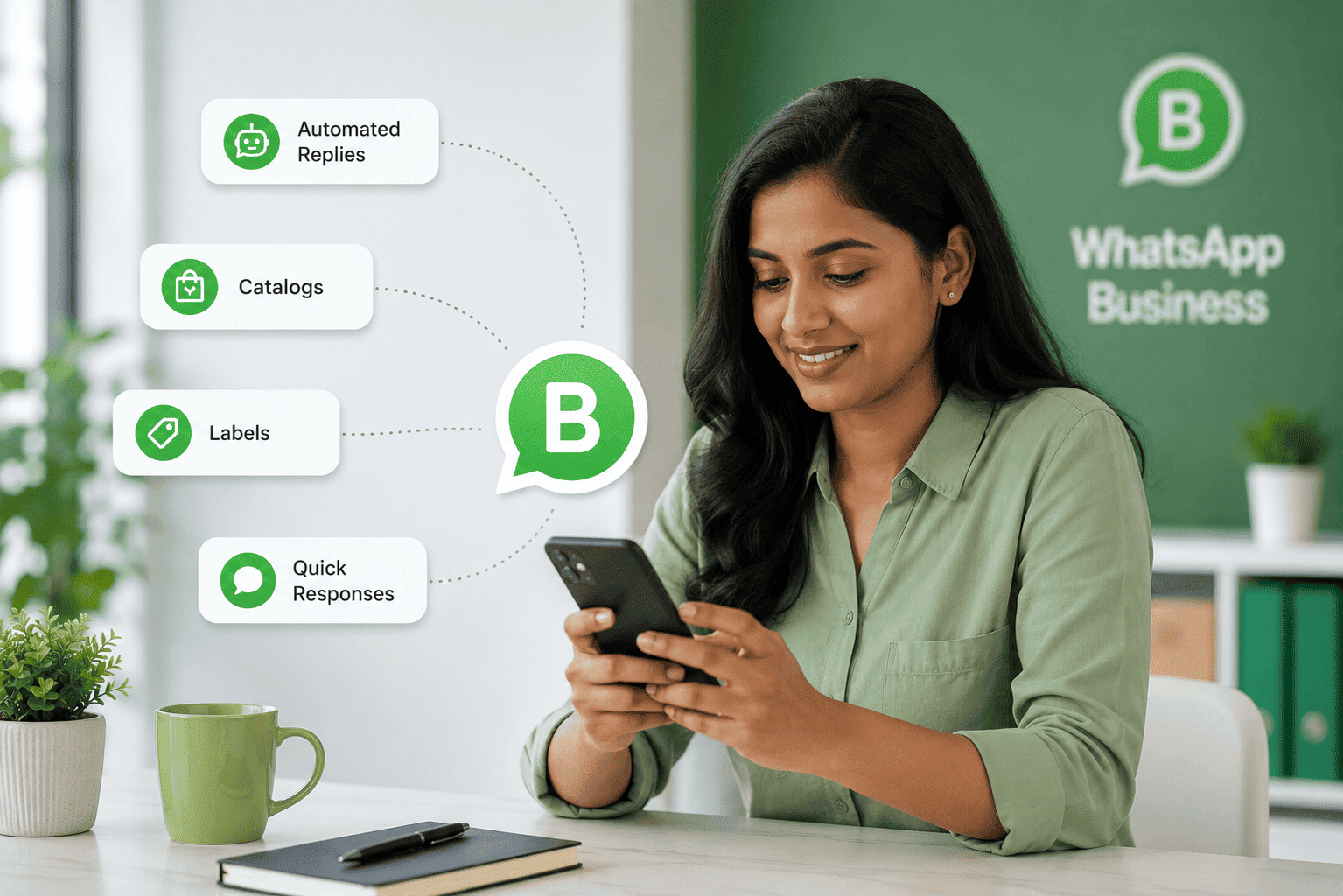
This is where WhatsApp Business becomes extremely useful. It is more than just a messaging app — it is a powerful business communication tool that helps automate conversations, organize customers, and improve response time. Small businesses, freelancers, clinics, shops, and service providers can use it to save time and look more professional.
By using the right WhatsApp Business features, businesses can easily save up to 2 hours every day while improving customer experience.
1. Quick Replies
Typing the same messages repeatedly wastes valuable time during busy work hours. Quick Replies allow businesses to save frequently used messages and send them instantly using shortcuts.
For example, instead of typing pricing details or business timings again and again, you can simply use a shortcut command and send the complete message in seconds.
Example Quick Replies
- Pricing details
- Business address
- Payment instructions
- Product information
- Booking process
Why It Helps
Quick replies improve response speed, save time, and maintain professional communication consistency with every customer.
Pro Tip
Create shortcuts for your most common customer questions to reduce typing effort daily.
2. Automated Greeting Messages
First impressions matter in business communication. Greeting messages automatically welcome customers whenever they contact your business for the first time.
This makes your business look more responsive and professional even when you are busy or unavailable.
Example
“Hello! Thank you for contacting ABC Solutions. Our team will respond shortly.”
Benefits
- Creates professional communication
- Builds customer trust instantly
- Improves response experience
- Keeps customers engaged
Best Use Case
Perfect for small businesses, online stores, consultants, and service providers receiving regular inquiries.
3. Away Messages
Businesses cannot stay available 24/7. Away Messages help inform customers when you are busy, unavailable, or outside working hours.
Instead of leaving customers without replies, WhatsApp automatically sends a polite message explaining when they can expect a response.
Example
“Thank you for messaging us. Our office is currently closed. We will reply tomorrow between 10 AM and 7 PM.”
Why It’s Useful
- Improves customer experience
- Reduces frustration
- Maintains professionalism
- Helps manage expectations
Best Use Case
Useful during:
- Office closing hours
- Holidays
- Meetings
- Travel
- Weekend breaks
4. Product Catalogs
Sending product photos individually to every customer can take a lot of time. WhatsApp Business Catalog allows businesses to showcase products and services directly inside WhatsApp.
Customers can browse products, prices, descriptions, and photos without asking for details repeatedly.
Benefits
- Faster customer responses
- Professional business appearance
- Easy product browsing
- Instant sharing
Perfect For
- Clothing stores
- Food businesses
- Home businesses
- Electronics shops
- Beauty products
- Service providers
Extra Advantage
Customers can directly select products and ask questions, making the buying process smoother.
5. Click-to-WhatsApp Links
Businesses can create direct WhatsApp links and add them to websites, Instagram bios, Facebook pages, advertisements, and Google Business Profiles.
Customers can instantly start conversations with a single click without saving phone numbers manually.
Benefits
- Faster customer communication
- More inquiries
- Better lead generation
- Improved convenience
Best Places to Use
- Instagram bio
- Website contact page
- Facebook business page
- Google Business Profile
- Online advertisements
Pro Tip
Add a pre-written message in the link like:
“Hello, I would like to know more about your services.”